Video guest book: how it works, cost and setup
A video guest book is a set of short video messages that your guests record at the wedding, either on their own phones from a QR code or at a rented video kiosk, and that are cut into one film afterwards. A phone-based one can cost as little as $29, while a kiosk rental runs from a few hundred dollars to more than $1,000.
We do not make video guest books. Ours is a written guest book that people sign from their phones, so this guide has nothing to sell you. The prices below come from The Knot and from one company’s own pricing page.
How a video guest book works
According to The Knot, video guest books work in one of two ways.
On guests’ phones. You put a QR code or a link on a sign or a table card. A guest scans it, a web page opens, and they record a message that goes straight to your video library. People who cannot come to the wedding can use the same link from home. After the day, you or the company put the clips together into one video.
At a video kiosk. A company ships you the equipment a few days before the wedding, and a relative or your planner sets it up. Guests record themselves at the kiosk during the party, and afterwards the company may edit the footage into a highlight film.
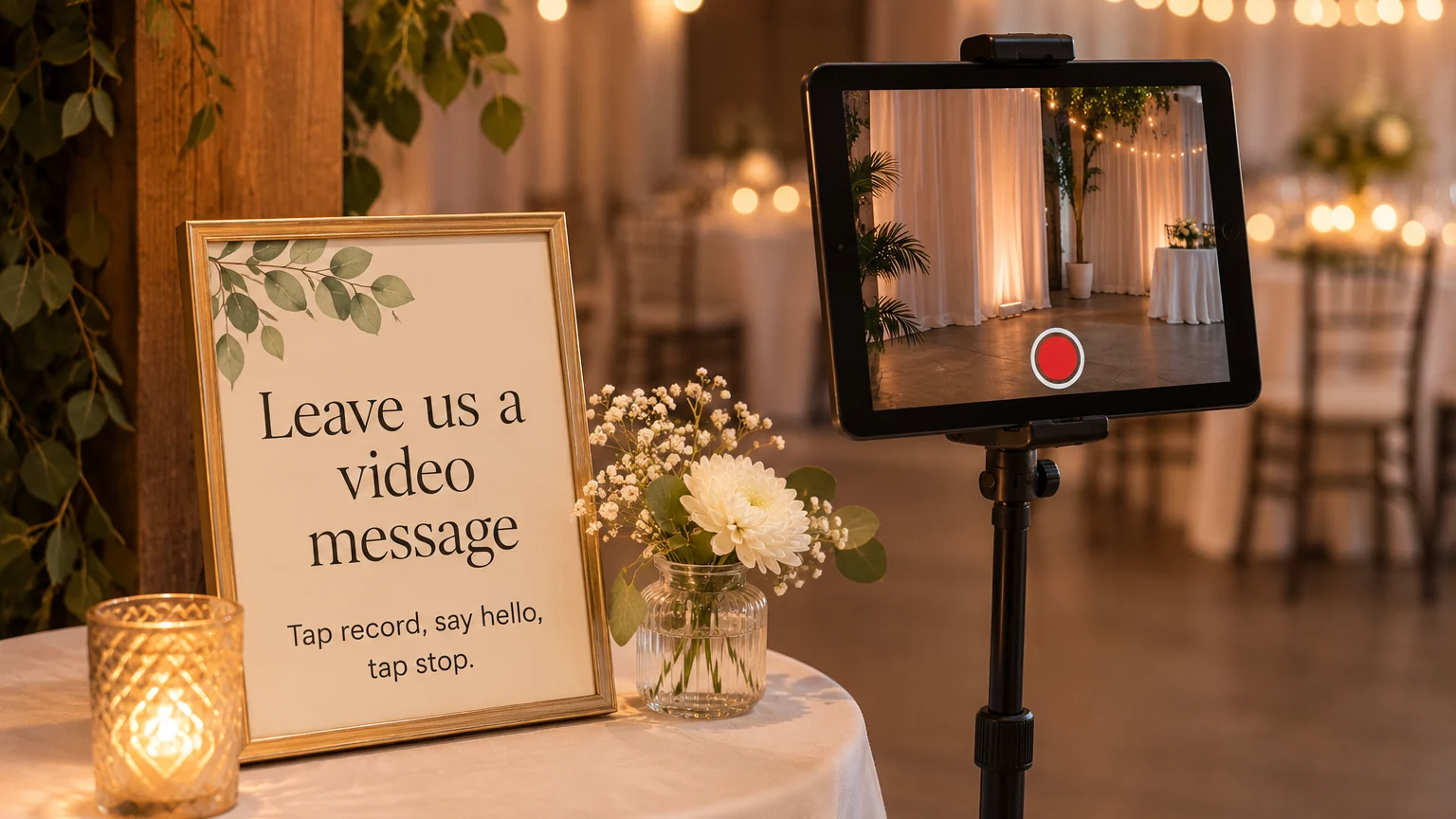
There is a third way that nobody sells: a tablet or an old phone on a stand, recording with its own camera app. It costs nothing if you own the gear, but someone has to keep an eye on it, and you collect and edit the files yourself.
What it costs
| Option | Price | Source |
|---|---|---|
| A link or QR code, guests record on their phones | $29 per guestbook, with up to 2,000 videos and 12 months of hosting | Virtual Video Guestbook’s pricing page, November 9, 2026 |
| The same idea from other companies | From $7 (Memento) and $99 (Celebrate.buzz) | The Knot, December 2023 |
| A rented video kiosk, often with an edited film | A few hundred dollars to more than $1,000 | The Knot, December 2023 |
| A tablet or phone you own, on a stand | Free, plus a stand and a small light | Do it yourself |
Check that a company is still running before you pay. Of the five companies in The Knot’s December 2023 list, two had gone when we looked on November 9, 2026: the SpeechBooth address showed a domain for sale, and Voast’s website listed unrelated apps.
Phone or kiosk?
The phone version is cheaper, needs no equipment and lets faraway relatives join in. Its weak points are the venue and the guests’ phones: every upload needs mobile signal or Wi-Fi, and each clip looks as good as the light and the phone it was filmed with.
A kiosk gives every clip the same framing and sound, and it becomes a small station that draws people over. It costs more, needs a spot with power, and someone has to set it up and pack it away.
Setting it up so guests record
- Pick a quiet, bright corner. Light should fall on faces, so avoid a window behind the guest, and keep the spot away from the speakers and the bar.
- Put a sign next to it with the steps in order: scan the code, tap record, say hello, send. Our guest book sign wording guide has wording for signs like this.
- If guests record on their phones, write the Wi-Fi name and password on the sign as well.
- Suggest a length, such as about 30 seconds, so the finished film stays easy to watch.
- Test everything the day before, and ask a friend to walk people over during a lull, like right after dinner.
- Ask guests before you post their clips anywhere public. A message recorded for the two of you may not be meant for everyone.
What guests can say
A card of prompts helps people who freeze in front of a camera:
- “Tell us how you met one of us, in one sentence.”
- “Show us your best dance move, then give us your best advice.”
- “What should we never stop doing?”
- “Make a prediction for our first anniversary.”
- “Say hello to us ten years from now.”
- “Tell us about your own wedding day.”
- “Kids: what was the best part of the party?”
- “Raise your glass and give us a ten-second toast.”
For written messages, our list of what to write in a wedding guest book has many more.
Is it worth it?
For many couples it is. You get faces and voices, and a grandparent’s message on video is something a card cannot replace.
The trade-offs are real, though. Some guests avoid cameras and will skip it, the clips need editing before anyone watches them, and there is nothing to put on a shelf afterwards. An audio guest book has the same trade-offs with sound only.
So give people a second way in. A written guest book they sign from a QR code costs nothing to add: ours is a free online wedding guest book, and its QR code can share a table with the video station. For more options, our list of wedding guest book alternatives has fourteen ideas.
Quick answers
Can guests who miss the wedding send a video? With the phone version, yes. The Knot points out that the same link works for people who could not make it.
Do I need Wi-Fi for a video guest book? For the phone version, guests need mobile signal or Wi-Fi to upload. Check the signal at the venue before you choose.
How long does editing take? It depends on the company and the package, so ask before you book. If you edit it yourself, watch every clip once before you start cutting, and keep the film short.