Give wedding guests one easy place to find details
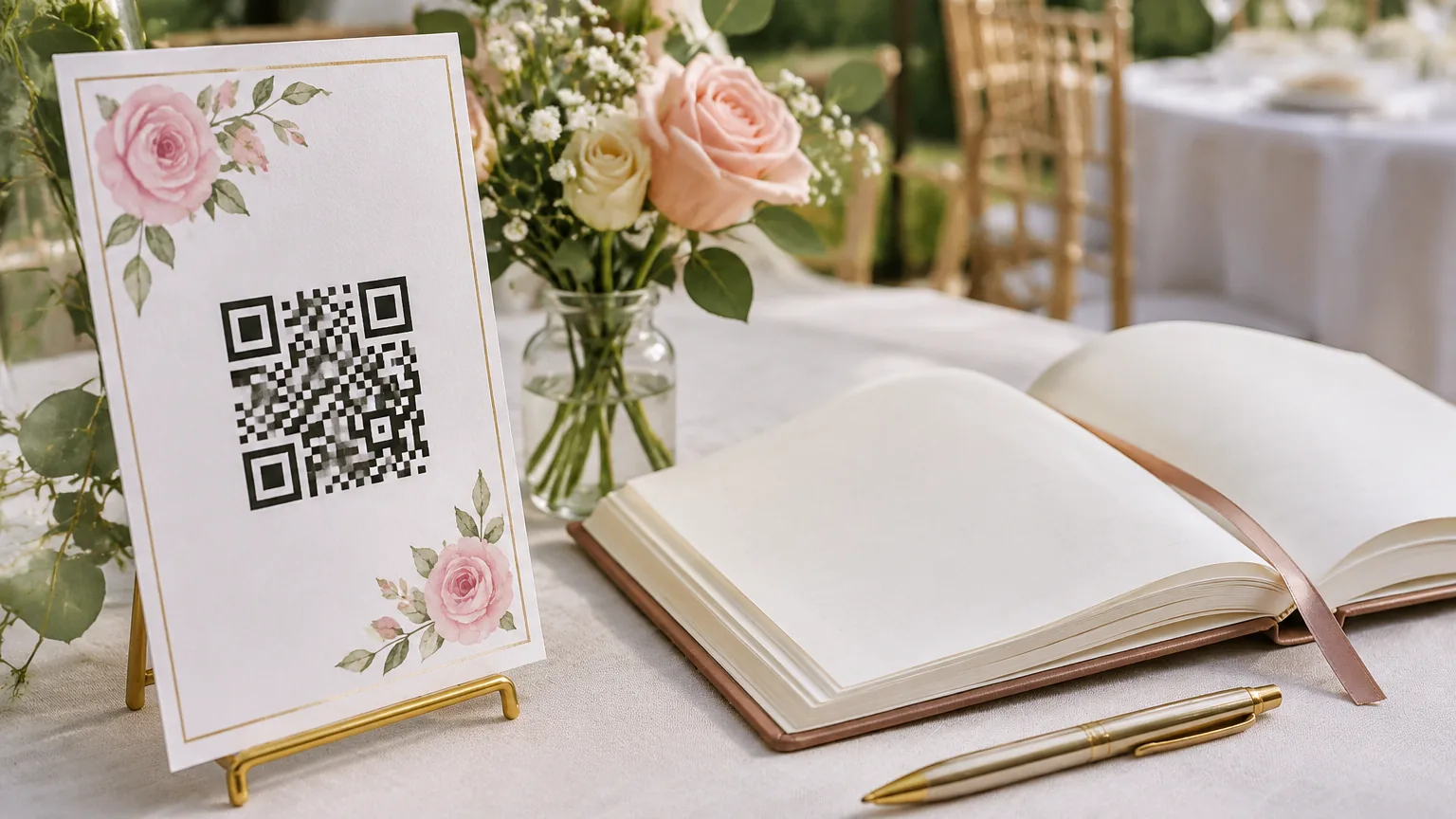
The Economic Times reports that couples are adding QR codes to wedding invitations so guests can find venue details, schedules, dress codes and RSVP forms with a phone scan. If you are preparing your invitations, this gives you a practical way to share information without squeezing every detail onto a printed card, but you need to decide what guests will see after they scan.
Decide what guests should find after scanning
The Economic Times describes several uses for wedding invitation QR codes, including Google Maps directions, event schedules, RSVP forms, dress codes and accommodation information. Its step-by-step report also explains how Canva and Google Forms can be used to create a code and add it to an invitation. We think the destination deserves more attention than the design of the code itself. Picture a relative opening your invitation at the kitchen table. They scan the square and expect to find the church address or the time they need to arrive. If they land on an unfinished page or a form that asks them to sign in, you've created another job for them. Before making your QR code, write down the questions your guests are likely to ask. A good wedding information page should answer the practical ones without requiring a phone call to the couple.
- The ceremony and reception addresses, with a map link for each location if they are different.
- The wedding date and the arrival time guests should aim for.
- A clear RSVP option and the date by which you need a response.
- The order of events, especially if guests need to move between venues.
- Dress code information, including any details about outdoor footwear or weather.
- Accommodation suggestions for guests coming from out of town.
You don't have to put every detail on the page immediately. Start with what's already confirmed. Add accommodation or transport details when you have them, rather than sending guests to a page full of placeholders.
Choose one destination before generating the code
The Economic Times explains that Canva can generate a QR code from a webpage or another link. Its alternative approach uses Google Forms for RSVP collection, followed by a QR code that points to the form. Both approaches have a place. A form works well if your main aim is collecting attendance responses. A wedding information page makes more sense if guests need several different details. You can put an RSVP link on that page rather than making the invitation code lead directly to a form. Our preference is one main destination. Guests get a single place to return to when they forget the reception address or need to check the dress code. You can update the information without redesigning and redistributing the invitation every time something changes. If you want guests to leave a message for the couple too, keep that separate from the RSVP process. A wedding guest book online gives friends and family another place to write a message from a phone or computer. You can share its link or print its QR code for the reception.
Make the invitation easy to scan and understand
The Economic Times advises couples to avoid making the QR code too small and to keep decorative elements away from the code itself. It also recommends testing a printed sample before ordering the full batch. A code that looks perfectly clear on your laptop might be harder to scan once it's printed on textured paper or reduced to fit a crowded invitation. Give it some breathing room, keep the surrounding design clean and put a short instruction beside it.
You could use wording such as: Scan to find our wedding details Scan to RSVP and view the venue Scan for directions and the wedding schedule Keep the instruction short. The invitation already tells people they're invited; this line simply explains what happens next. For other printed wording ideas, our wedding sign wording guide has examples you can adapt to your celebration.
Test the link before invitations go out
The Economic Times recommends scanning the finished code with different smartphones, checking that the destination doesn't require special login permissions, and testing again after printing. It also advises keeping the linked information current if the venue or timings change. Don't stop when the camera recognizes the square. Follow the link and try to use the page as someone who has never heard the wedding plans before.
- Scan the code from the invitation design on a phone. Check that it opens the intended page.
- Open the destination without being signed in to your own account. Make sure guests can see the information without requesting access.
- Try the RSVP form yourself. Check that the questions are clear and that the form accepts a response.
- Ask a friend or family member to scan it. They may spot confusing instructions or missing details.
- Print one sample invitation and scan the code from the actual paper before approving the full print order.
- If you change a venue or time later, update the destination and scan the printed code again.
Agree on who keeps the page up to date. If one partner manages the invitation design and the other handles venue arrangements, decide who makes changes and who checks them. Otherwise, an old address can remain online even after everyone has agreed on the new one.
Give guests somewhere to leave a message too
An invitation QR code gets people the information they need before the wedding. A guest book gives them a way to leave something for you during or after the celebration. These two jobs fit together, but they don't need to share the same page. Some couples prefer a traditional book on a reception table, where guests can write a message with a pen. Others want an option for relatives who cannot attend in person. Our wedding guest book alternatives cover different ways to collect those messages. An online guest book can be useful if you have friends and family spread across different places. Guestbook World offers free online guestbooks where guests write their name and a text message from a phone or computer. You can share the link or display its QR code at the reception. The guestbook page has no ads, and you can approve new messages before they appear. If you use both an invitation code and a guestbook code, give them separate instructions. One should lead to the wedding information and RSVP. The other should invite people to leave a message. Put the guestbook code on a reception table sign where guests have time to stop and write.
Sources
- How to create a QR code for wedding invitations: Step-by-step guide to share venue, date, RSVP and more The Economic Times, November 22, 2026