What to check before rebuilding your website with AI
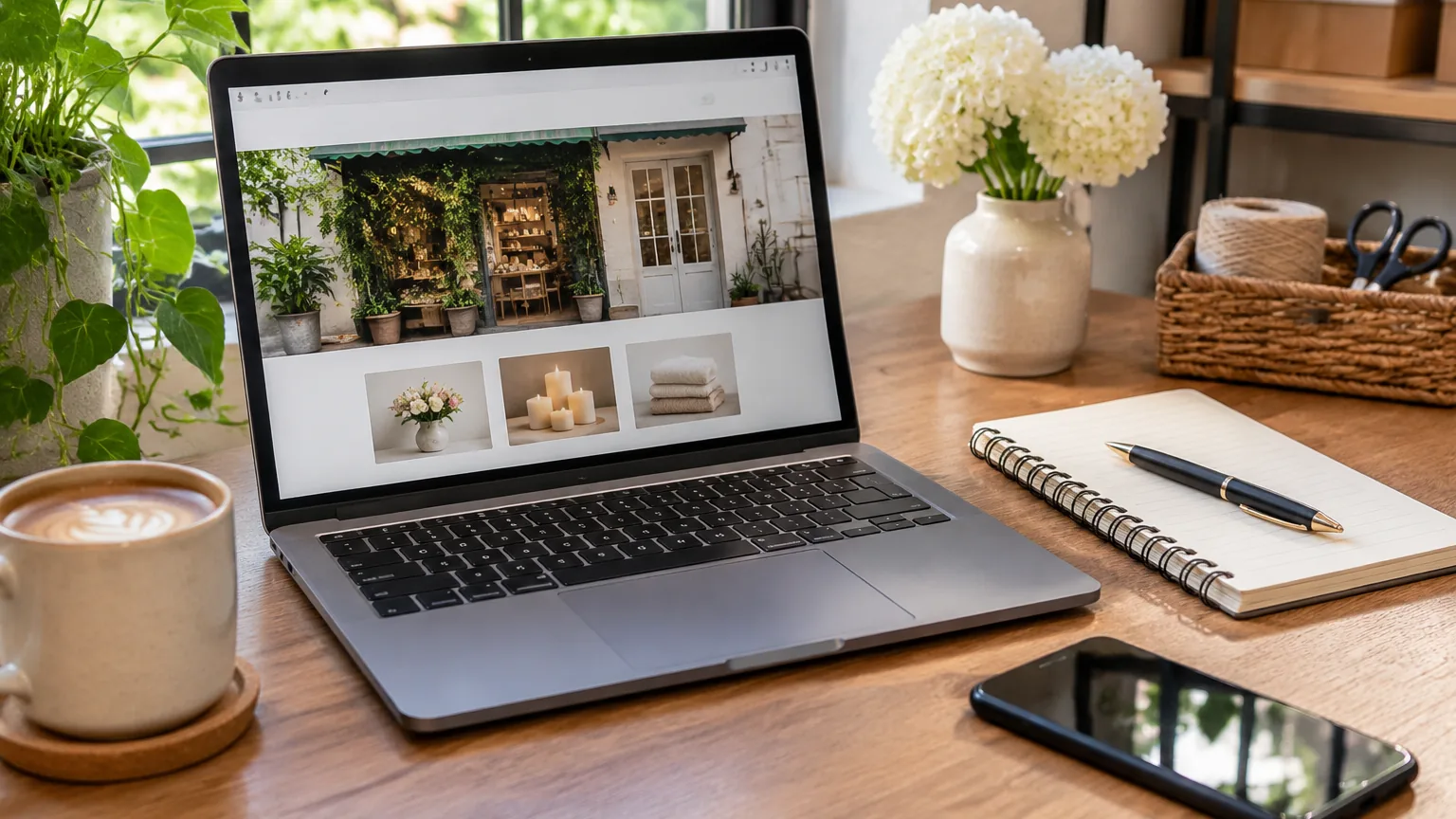
HostingAdvice published a November 2026 review of 10 AI website builders, testing tools that can generate pages, images and website content from a written description. For owners of small websites, the useful lesson is that creating a new design is getting easier, but checking what visitors actually see and making sure your site remains under your control still takes human attention.
Give the AI a real description of your website
HostingAdvice writer Jordan Sprogis tested several platforms, including Hostinger, Wix and Shopify. The review describes how these tools approach website creation differently. Hostinger combines AI generation with hosting and domain services, Wix gives users freedom to adjust the design, and Shopify focuses on online stores and business management. A personal blog and a small plumbing business do not need the same website. Before trying a builder, write down what your current site is supposed to do. Visitors might need to read articles, find your opening hours, request a quote or send you a message. Those tasks should guide the design. Start with a short brief containing: - The name of your website and what it offers. - The main types of visitors you want to reach. - The pages you need, such as About, Services, Contact or Blog. - The action you want visitors to take on each important page. If you have not settled those priorities yet, our guide to planning a website around visitors is a useful place to start. A clear brief gives the builder something specific to work with and gives you a standard against which to judge its results.
Treat the first design as a draft, not a finished website
Sprogis describes the generated website as a starting point that still needs editing. AI can suggest a convincing homepage, but it does not automatically know your actual opening hours, the services you provide or the questions customers ask before contacting you. Read every paragraph before publishing. Check that the business description is accurate, the contact details are correct and the page does not promise something you cannot provide. Look closely at images, too. A generic photograph of an office might work as a placeholder, but it is a poor substitute for a real picture of your workshop, studio or products. Check the navigation. Can someone reach your contact page without searching through several menus? Does the homepage explain what the website offers without a long introduction? If you already have a site, compare the new version with it before removing anything useful. Keep a copy of the original text and images somewhere outside the builder. That gives you something to work from if the generated version changes details you wanted to preserve.
Test the phone version before you publish
A homepage can look tidy on a large monitor and become awkward on a phone. HostingAdvice advises readers to check the mobile version rather than assume the desktop design will translate properly. This matters to small business websites. Someone looking for a phone number, address or booking form may be visiting while away from home. If the important information sits below several large images, that visitor has to work harder than necessary. Open the preview on your phone and try the site as an ordinary visitor. Check these details: - The main menu opens and closes properly. - Headings and paragraphs fit the screen. - Buttons are easy to tap. - Contact forms are readable and usable. - Your phone number and email address are easy to find. - Links and buttons lead to the right pages. If your site has a guestbook or visitor message area, check that people can find it and use it comfortably on a phone. Our website guestbook guide explains how a guestbook can fit into a website without requiring visitors to leave their messages on a public social platform.
Check the costs and the difficulty of leaving
The HostingAdvice review distinguishes between a website builder and web hosting. Some services combine them, while others treat them as separate products. A low introductory price does not tell you what the service will cost after the initial period. Before choosing a platform, check the renewal price, domain arrangements and what happens if you decide to leave. HostingAdvice points out that moving between WordPress hosts is generally easier than transferring a website built on a proprietary platform such as Wix, Shopify or Squarespace. You may be able to export your content, but recreating the original design elsewhere can be difficult. Ask the provider: - Can I use my existing domain name? - Can I download my website text and images? - Can I move the site to another hosting company? - Which features disappear if I cancel? - What will the regular renewal price be? Keep control of your domain registration and save copies of important website content. If you already have a working website, there is no reason to replace it simply because a new AI tool can produce a different design. Our guide to protecting a website when a host closes covers the value of keeping your own copies and planning for a change of provider.
Check the details that search engines and visitors see
HostingAdvice also recommends reviewing the search information generated by AI tools. Builders may create page titles, descriptions, headings and image descriptions automatically, but those suggestions still need checking. For each important page, make sure the title describes its actual subject. A service page should explain the service rather than repeat a generic slogan. The description shown in search results should give someone a clear reason to visit. Image descriptions should say what the picture actually shows. The review recommends setting up Google Search Console and submitting the website for indexing. It also advises keeping original content that reflects real experience rather than relying entirely on automatically generated writing. Consider how visitors can respond, too. A contact form, comment area or guestbook gives people a way to leave something after reading a page. Guestbook World offers free online guestbooks that you can add to a website through a link, QR code, badge or embed code. You can approve incoming messages before they appear publicly. An AI builder can give your website a new appearance in very little time. Before you press publish, make sure the information is yours, the phone version works and you know how to take your content with you. Those are decisions worth making before the old site disappears.
Sources
- 10 Best AI Website Builders (Nov. 2026) HostingAdvice.com, November 24, 2026